
ERP vs WMS – Which System is Right for Your Business?
Scaling a business often exposes a critical gap: operations feel disjointed, inventory data lacks accuracy, and order fulfilment suffers delays. Without a structured system in place, departments operate in silos, decision-making slows down, and warehouse errors begin to escalate. Left unaddressed, these inefficiencies directly affect customer satisfaction, compliance, and profitability.
When organisations reach this turning point, two system choices emerge: ERP and WMS. While both improve visibility and control, they address fundamentally different needs. Read this blog to understand the difference between ERP vs WMS, so you can identify which platform aligns best with your current priorities, and when it makes sense to implement both.
What is an ERP System?
An ERP system is a suite of integrated modules that unifies data and workflows across the organisation. Typical ERP modules include finance and accounting, procurement, production planning, inventory, human resources, customer management, and analytics.
A mid‑sized apparel manufacturer uses ERP to synchronise purchase orders, shop‑floor production runs, and sales forecasts. When procurement enters a fabric purchase, the inventory module reserves stock, the finance module logs the payable, and the production schedule adjusts automatically. Managers gain one version of the truth for cash flow, capacity, and supply chain commitments.
What is a WMS?
A Warehouse Management System operates within the physical boundaries of a warehouse and governs how inventory is handled once it enters the facility. Its responsibility begins at receiving and continues through storage, movement, picking, packing, and dispatch. The system focuses on execution accuracy rather than planning intent. Every inventory status change happens only after physical confirmation on the warehouse floor, which ensures that system data reflects actual conditions rather than assumptions or delayed updates.
Daily warehouse work is executed through controlled steps defined by warehouse logic. Items are directed to storage locations based on operational rules, validated during picking, and confirmed at dispatch. This approach reduces dependency on manual judgement and prevents discrepancies between recorded stock and usable stock. Inventory is tracked at a granular level, including location and availability, which supports traceability and operational accountability across all warehouse activities.
Learn more in Types of Warehouse Management Systems for deeper coverage of WMS deployment models.
Difference between ERP vs WMS
The difference between ERP and WMS becomes clear when you follow what happens from the moment an order is created to the moment it leaves the warehouse. ERP manages the business transaction behind the order. WMS manages the physical work required to fulfil it. Both operate on the same inventory, but they control different stages of its lifecycle. This separation ensures planning remains reliable while execution remains accurate.
1. Business planning vs warehouse execution
ERP controls business intent. It records purchase orders, sales orders, production plans, and financial impact. When stock is received, ERP updates inventory ownership and value. When an order is created, ERP confirms that stock is available to sell.
WMS controls physical execution. It decides where the stock will be stored, how it will be picked, and when it leaves the warehouse. Inventory inside WMS does not change based on transactions alone. It changes only after warehouse teams physically scan, move, or confirm the item. This is the core difference between erp and wms. ERP confirms business events. WMS confirms physical events.
2. Inventory visibility vs inventory traceability
ERP provides inventory visibility at business level. It answers questions like how much stock is available, how much is committed, and what is the total inventory value. This helps finance, procurement, and planning teams make decisions.
A warehouse management system provides inventory traceability at execution level. It shows the exact bin location, movement history, and handling status of each item. Warehouse teams rely on this to locate stock, execute picking, and prevent dispatch errors. Without this execution level tracking, inventory may exist in ERP but remain inaccessible operationally.
3. Execution ownership and system users
ERP is used by departments that manage planning and control. Procurement raises purchase orders. Finance tracks inventory value. Sales teams create customer orders. Their work defines what should happen.
WMS is used by teams that execute warehousing operations. Receiving teams scan incoming goods. Pickers retrieve stock from storage. Dispatch teams confirm shipment. Their work ensures that what was planned actually happens correctly.
4. System integration with warehouse environment
ERP connects business functions. It integrates with accounting platforms, customer systems, and reporting tools to maintain enterprise wide coordination.
WMS connects warehouse infrastructure. It integrates with barcode scanners, RFID systems, mobile terminals, conveyors, and automation. These integrations allow WMS to capture execution data instantly as physical movement happens. This prevents delays, manual updates, and execution errors.
5. Planning vs execution example
A typical dispatch process clearly explains erp vs wms in action.
Step 1. ERP creates the sales order
ERP confirms customer demand, reserves inventory, and prepares the transaction.
Step 2. WMS executes picking
WMS directs the warehouse operator to the exact bin location. The item is scanned and physically picked.
Step 3. WMS confirms dispatch
WMS validates that the correct item and quantity are packed and shipped.
Step 4. ERP records financial completion
ERP updates order status, posts the invoice, and reflects revenue and inventory changes.
ERP generally records that an order should be picked and later confirms it was picked. This is the operational difference between erp and WMS.
ERP vs WMS – Comparison Table

Can ERP and WMS Work Together?
The integration begins when ERP releases a purchase order to the warehouse. This triggers receiving activity inside the WMS. Warehouse teams scan incoming goods, confirm quantities, and assign storage locations. Once storage is completed, WMS transmits the confirmed receipt back to ERP.
This confirmation allows ERP to update stock availability, close the purchase order, and reflect the inventory as usable. Without this confirmation loop, ERP would show incoming stock as pending, even though it is already physically available inside the warehouse.
How outbound order fulfilment stays synchronised
When a customer order is created, ERP transmits order details to the WMS for fulfilment. WMS manages picking, packing, and shipment confirmation. After dispatch is completed, WMS sends execution status back to ERP. This update triggers order closure, invoice generation, and stock deduction in ERP. This ensures that financial records reflect actual shipped quantities rather than planned shipments.
How inventory accuracy is maintained across both systems
Inventory adjustments, cycle counts, and movement corrections performed inside the warehouse are transmitted back to ERP. This prevents mismatches between physical stock and system stock. For example, if damaged stock is removed during a warehouse inspection, WMS updates ERP so that accounting, replenishment planning, and availability remain accurate.
What this integration achieves operationally
This continuous exchange ensures that warehouse activity, stock position, and financial records stay aligned without manual reconciliation. Warehouse teams focus on execution, while ERP maintains reporting, billing, and planning accuracy based only on confirmed events.
As order volume increases, this integration becomes essential to prevent fulfilment delays, stock discrepancies, and reporting errors that occur when warehouse systems and enterprise systems operate independently.
How to Choose the Right System between WMS and ERP for Your Business?
Choosing between ERP and WMS depends on your current operational priorities, business scale, and the level of control you need over your processes. Understanding where your pain points lie helps you pick the right system—or decide if a combined approach is the best fit.
If Your Business Needs Enterprise‑Level Process Integration
If your company operates across multiple departments, plants, or geographic locations, and you're struggling to align finance, procurement, production, and sales—ERP should be your first move. An ERP system builds a unified foundation for data, approvals, and reporting.
If You Need Warehouse Efficiency First
When fulfilment speed, order accuracy, and inventory traceability are the operational focus, start by finding a good WMS provider.
WMS is built to manage high-frequency movement, optimise floor space, and plug into barcode/RFID devices and warehouse automation systems. It delivers faster ROI where delays, errors, and lack of stock visibility are hurting output.
If You're Scaling or Digitizing Operations
Growth-stage businesses with plans to scale operations regionally or globally can benefit from a modular approach. Deploy WMS where fulfilment agility is needed today, and layer in ERP as you scale departments and data complexity. This future-proofs your tech stack while keeping cost and integration overhead low in early stages.
Which is better between ERP and WMS?
Better depends on the business problem. ERP excels at company‑wide coordination, while WMS owns the last‑mile of inventory control inside the four walls. When the organisation needs financial insight, supplier collaboration, and production planning, ERP offers the broader framework. When order accuracy, labour productivity, and warehouse automation drive value, WMS delivers deeper functionality. In many cases the optimal answer is a hybrid stack where ERP and WMS share master data and each runs the tasks it handles best.
Still unsure whether ERP or WMS fits your operation best?
Explore our industry specific solutions built for real-world challenges, whether you’re fixing warehouse inefficiencies or aligning enterprise-wide workflows.
Visit our WMS Product Page to have a deeper look, or speak to our team for a custom roadmap based on your supply chain goals, system maturity, and industry-specific needs.
Share this page
Why Food Manufacturers Are Investing in AI-Powered Inspection Systems
Digital Product Passports: Why Track & Trace Is the Foundation of Product Transparency
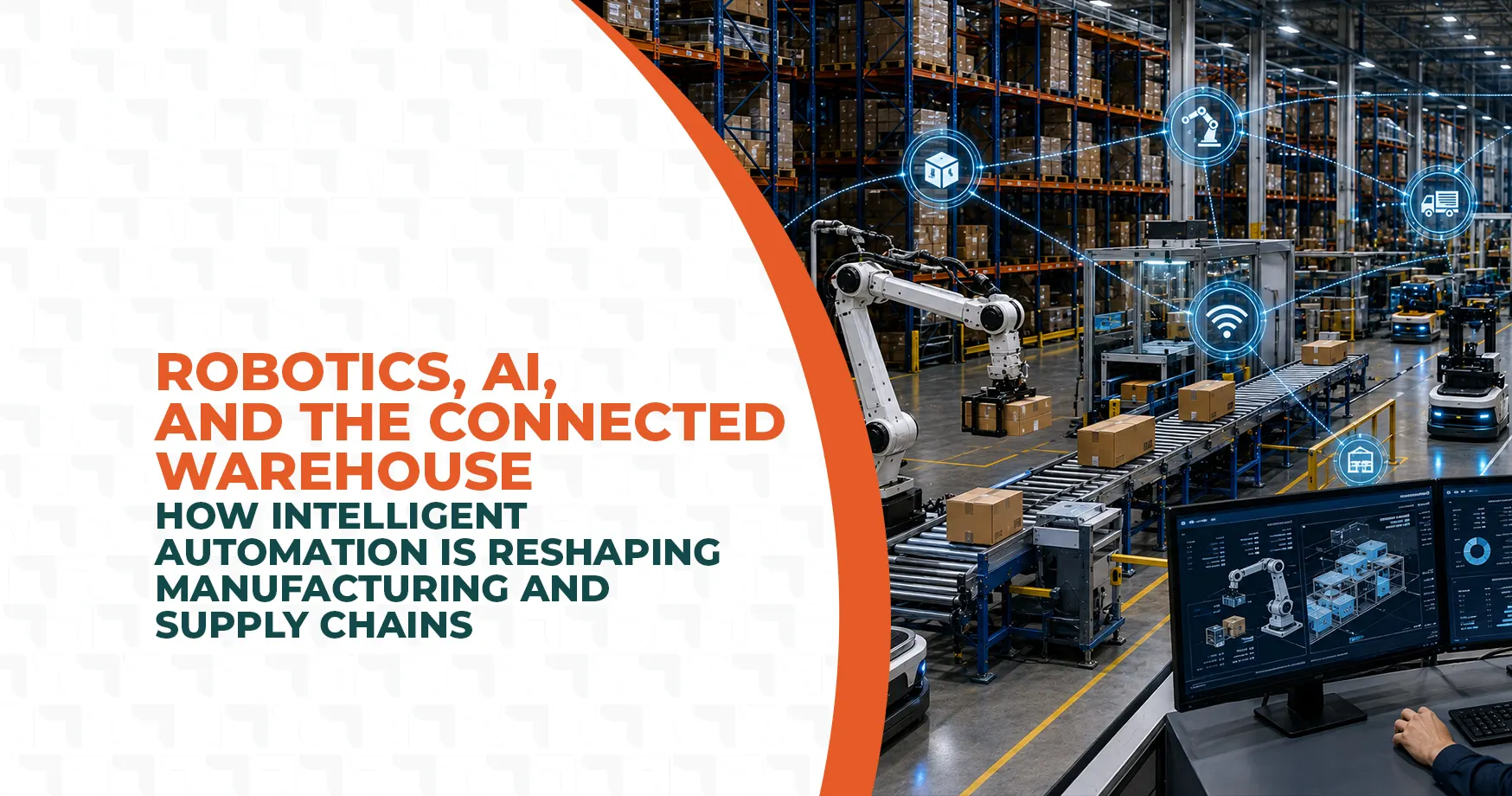
Robotics, AI, and the Connected Warehouse: How Intelligent Automation Is Reshaping Manufacturing and Supply Chains